
Choosing an external hard drive is a task that faces users who need additional data storage. The market offers many options with different characteristics, prices, and purposes. In this article, we’ll figure out which parameters you should pay attention to when buying an external drive to choose the optimal solution for your needs.
Determine the required storage capacity
The first and most important parameter is storage capacity. The market offers drives ranging from 500 GB to 14 TB and beyond. To choose the appropriate capacity, you need to honestly assess how much data you plan to store. If you need a drive for backing up photos and documents, 500 GB or 1 TB will be sufficient. However, if you work with high-resolution video, virtual machines, or large databases, it’s better to choose a drive with a capacity of 2 TB or more.
It’s also important to keep in mind that the drive’s stated capacity is slightly less than the actual capacity due to system requirements. Usually the loss is approximately 10% of the specified capacity. For example, a 1 TB drive will practically have around 930-950 GB of free space. Additionally, it is not recommended to fill the drive more than 80-90%, as this can reduce operating speed and shorten the device’s lifespan.
When choosing capacity, also consider that your needs may grow over time. It’s better to choose a drive with a small reserve than to search for additional storage a year or two later. Moreover, larger capacity often costs only slightly more, so overpaying for extra capacity is usually minimal.
Data transfer speed and connection interface
Data transfer speed critically affects the convenience of using an external drive, especially if you frequently copy large files. Modern external drives use USB 3.0, USB 3.1 Gen 1, USB 3.1 Gen 2, or USB-C interfaces. USB 3.0 has a theoretical transfer speed of up to 400 Mbps, USB 3.1 Gen 1 — up to 400 Mbps, USB 3.1 Gen 2 — up to 1200 Mbps, and USB-C with Thunderbolt 3 support can provide speeds of up to 2400 Mbps.
In practice, actual speed is always lower than theoretical speed and depends on many factors: the type of hard drive used (regular HDD or fast SSD), your computer’s specifications, cable quality, and port quality. If you work with large video files or frequently transfer data, it’s recommended to choose a drive with USB 3.1 Gen 2 interface or better. For everyday tasks like backing up documents and photos, standard USB 3.0 will be sufficient.
Also pay attention to your computer’s interface type. If you have a modern MacBook Pro or another laptop with Thunderbolt 3, it makes sense to choose a drive with a corresponding port. Make sure your device supports the new standard, otherwise you won’t be able to fully utilize the fast drive’s capabilities. Check for a cable in the package and make sure it matches your computer’s interface.
Storage type: HDD or SSD
Modern external drives come in two types: regular hard disk drives (HDD) and solid-state drives (SSD). Each type has its own advantages and disadvantages. HDD hard drives are cheaper, offer larger storage capacity, and have a good lifespan, but they are slower and more vulnerable to mechanical damage if dropped. They also make noise when operating and consume more power.
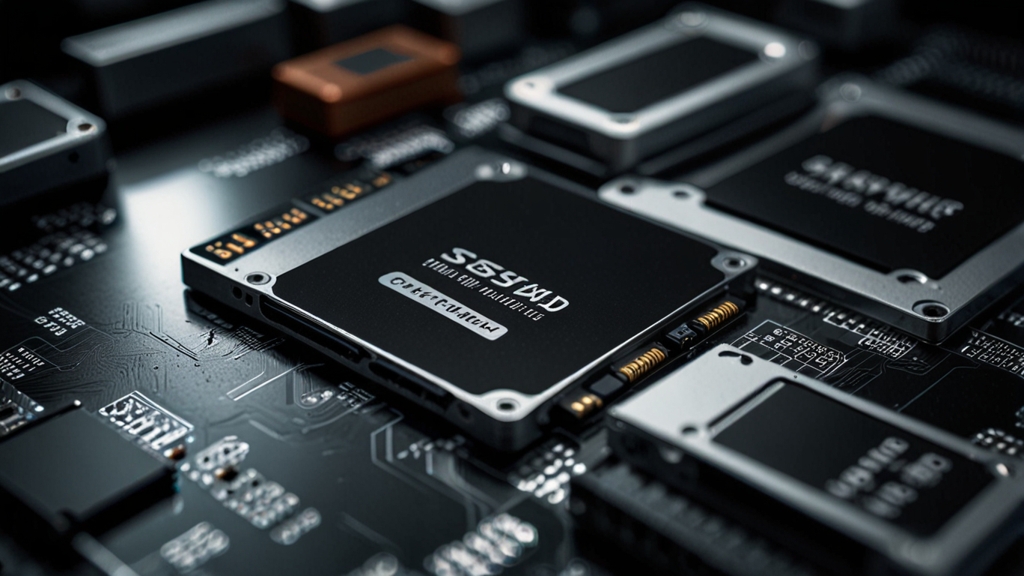
SSD drives, on the other hand, are much faster — data transfer speed can be 5-10 times higher compared to HDD. They make no noise, are more resistant to impacts and vibration, consume less power, and produce less heat. However, SSDs are significantly more expensive, and large storage capacity can cost a considerable sum. Additionally, SSDs have a limited number of write cycles, although in practice this limit is rarely reached with home use.
The choice between HDD and SSD depends on your priorities. If you need maximum storage at minimum cost for archival backup, choose HDD. If you need high speed, portability, and reliability, and are willing to spend more money, choose SSD. Hybrid solutions combining both types also exist, but they are less common.
Portability and damage protection
If you plan to carry the drive with you frequently, it’s important to pay attention to its size and weight. Compact external drives with 1-2 TB capacity usually weigh between 150 and 300 grams and easily fit into a backpack or travel bag. Larger drives with bigger capacity (4 TB and above) can be more bulky and heavy, especially if they use classic HDD technology.
Damage protection is another important aspect. Many manufacturers offer drives with reinforced casings, impact protection, and even water resistance. If you frequently travel or work in harsh conditions, it’s worth choosing a more protected model. Rubber pads, aluminum casing, and waterproof coating will help protect your data from mechanical damage and environmental exposure.
It’s also recommended to use a case or sleeve for additional protection during transport. Make sure the drive has the necessary safety certifications and meets quality standards. Read user reviews about the reliability of a specific model, as the manufacturer’s reputation is important when choosing a device for storing valuable data.
Brand, warranty, and additional features
Manufacturer reliability plays a key role in choosing an external drive. Leading manufacturers such as Western Digital, Seagate, Samsung, Kingston, and Transcend have a good reputation and offer quality products. Check the warranty service — typically ranges from 1 to 3 years. Drives from well-known brands are often easier to find if replacement or repair is needed.
Pay attention to additional features and software included in the package. Some drives come with pre-installed software for automatic backup, cloud services, file management programs, or additional security tools. Integrated data encryption is especially important if the drive will store confidential or personal information.
Check the drive’s compatibility with your operating system. Most modern drives are compatible with both Windows and macOS and Linux, but it’s better to confirm this in advance. Visit the Kingston website or another manufacturer’s site to clarify technical specifications and compatibility. Also find out about delivery times and return conditions if you plan to buy the drive online.
When choosing an external hard drive, it’s important to consider all aspects: storage capacity, data transfer speed, storage type, portability, and reliability. Determine your priorities and budget, compare several models, and read user reviews. A properly chosen external drive will become reliable storage for your data and provide peace of mind in case of main drive failure.