
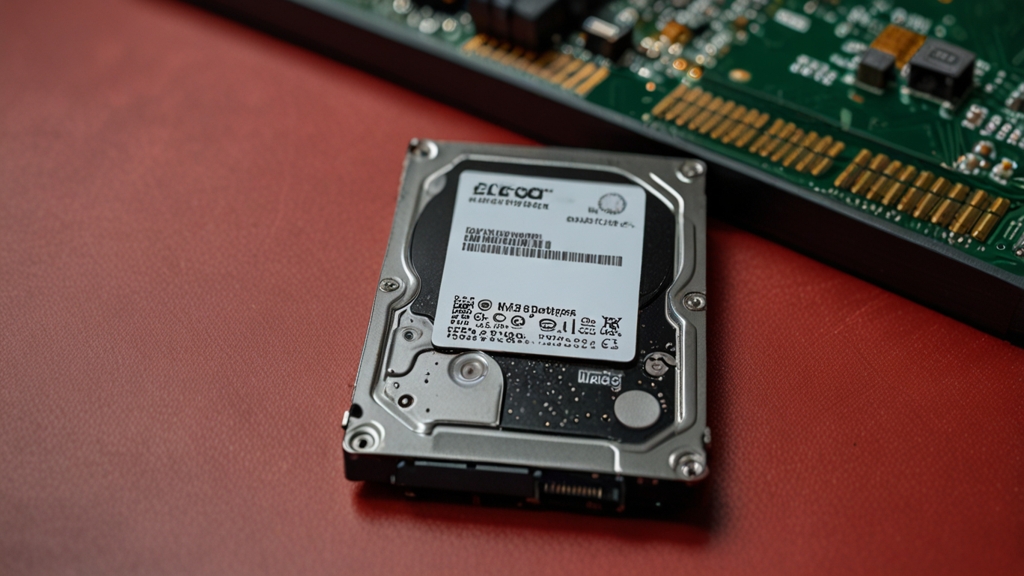
Choosing an external hard drive is an important task for every user who regularly works with large volumes of data. Whether it’s professional work, storing a personal media library, or backing up information, selecting the right device can significantly simplify your life. In this article, we’ll figure out which parameters you should pay attention to when buying an external hard drive.
Determine the Required Storage Capacity
The first and most obvious parameter is storage capacity. Modern external hard drives are offered in a range from 500 GB to 20 TB. To make the right choice, you need to realistically assess how much data you plan to store. If you use the drive only for periodic backup of documents and photos, 500 GB or 1 TB will be sufficient. However, these volumes fill up quickly when working with video or large media files.
For professional work with video editing, photography, or development, it’s recommended to choose drives with a capacity of 2 to 4 TB. This capacity will allow you to store several projects and their backups without the need for constant cleanup. If you frequently transfer large volumes of data between computers or work in a team, consider a 5-6 TB drive or larger.
It’s also important to consider the rate at which the drive fills up. It may seem that 4 TB is a huge amount, but with regular work with 4K video, space can run out faster than you expect. It’s recommended to choose a drive with a small margin — approximately 20-30% more than your current needs.
Choosing Between HDD and SSD
On the modern market, there are two main types of external drives available: traditional hard disk drives (HDD) and solid state drives (SSD). Each type has its own advantages and disadvantages that are important to understand before purchasing. HDD drives remain the most affordable option in terms of price per gigabyte, which makes them attractive to users with a limited budget.
Hard drives (HDD) are well suited for storing large volumes of data that don’t require frequent access. They are reliable, durable, and can work for years with proper handling. However, their data transfer speed is lower than SSD — typically from 100 to 150 MB/sec. In addition, HDD drives are more sensitive to mechanical damage and vibrations.
SSD drives offer revolutionary data access speeds — from 400 to 1000 MB/sec and higher. They contain no moving parts, making them more reliable and resistant to drops. SSD drives are ideal for working with large files when transfer speed is critical. However, their price per gigabyte is significantly higher than HDD. The choice between them depends on your priorities: if you need maximum speed — choose SSD, if you need large capacity for less money — choose HDD.
Data Transfer Speed and Connection Type
The connection type directly affects the speed of data transfer between the drive and the computer. Today, the most common standard is USB 3.0 and its newer versions — USB 3.1 and USB 3.2. Make sure your computer supports the chosen standard, as using a modern drive with an outdated port will significantly slow down performance.
USB 3.0 provides a theoretical speed of up to 400 MB/sec, but in reality, this is usually 100-150 MB/sec for HDD and 250-350 MB/sec for SSD. USB 3.1 and newer versions allow you to achieve speeds of up to 1000-2000 MB/sec. If you frequently work with large video files or make large backups, investing in a drive with USB 3.1 or Thunderbolt 3 will be justified.
Some manufacturers also offer drives with Thunderbolt 3 interface, which provides maximum transfer speed. This is especially relevant for Mac users. However, such drives are more expensive. In addition, pay attention to the length and quality of the cable included — sometimes this can be a bottleneck in data transfer.
Reliability and Manufacturer Warranty
Reliability is a critically important parameter for a drive storing valuable data. Before purchasing, study reviews of a specific model and manufacturer. Market leaders such as Western Digital, Seagate, Samsung, and LaCie have a good reputation and a long history of developing reliable equipment. Their products are usually protected from mechanical damage and power surges better than budget alternatives.
Manufacturer warranty typically ranges from 1 to 5 years depending on the model and manufacturer. A longer warranty is often a sign of the company’s confidence in the quality of its product. Make sure you buy the drive from an official dealer so the warranty is valid. Some manufacturers also offer data recovery programs in case of failure, which can be important for critical information.
Don’t forget about proper handling of the drive. External HDD drives need to be protected from drops, vibrations, and overheating. Keep the drive in a cool place, don’t use it at temperatures above 40-45°C. SSD drives are more resistant to mechanical impacts, but also require proper storage. Regularly check the condition of the drive using special utilities and create backups of critical data on another storage device.
Additional Features and Convenience
Many modern external hard drives are equipped with additional features that can make usage more convenient. These include built-in data encryption, automatic backup, protection from moisture and dust, as well as attractive case design. Encryption is especially important if the drive contains confidential information or is frequently transported between locations.
Pay attention to the size and weight of the drive. If you frequently take the drive with you, choose compact models the size of a book or even smaller. Some manufacturers produce drives with a capacity of 1-2 TB that fit in a pocket and weigh only a few hundred grams. However, remember that portability often means lower speed and smaller capacity.
Also pay attention to the availability of software for drive management and backup. Many manufacturers include free utilities that simplify working with the drive. However, these programs can usually be replaced with more powerful and flexible free alternatives. For more information about choosing external drives, we recommend visiting Storage Review, where you’ll find detailed reviews and tests of various models.
Choosing an external hard drive is a personal decision that depends on your specific needs, budget, and preferences. Considering all the factors listed above, you will be able to find the ideal drive for your tasks and ensure the safety of your data for many years to come.